
Hyphenation Tricks
Have you ever had a long word such as “interdisciplinary” or “basketball” mess up your web layout? Maybe it breaks across lines in a weird way, mid-syllable, with no hyphen? This can be a problem especially when you’re using headings or larger text inside columns or other narrow blocks. That’s where the soft hyphen comes in. It’s a special bit of HTML (­) that you can insert inside a word to suggest where it’s okay to break only if needed. If the line doesn’t need to break there, the hyphen stays invisible.
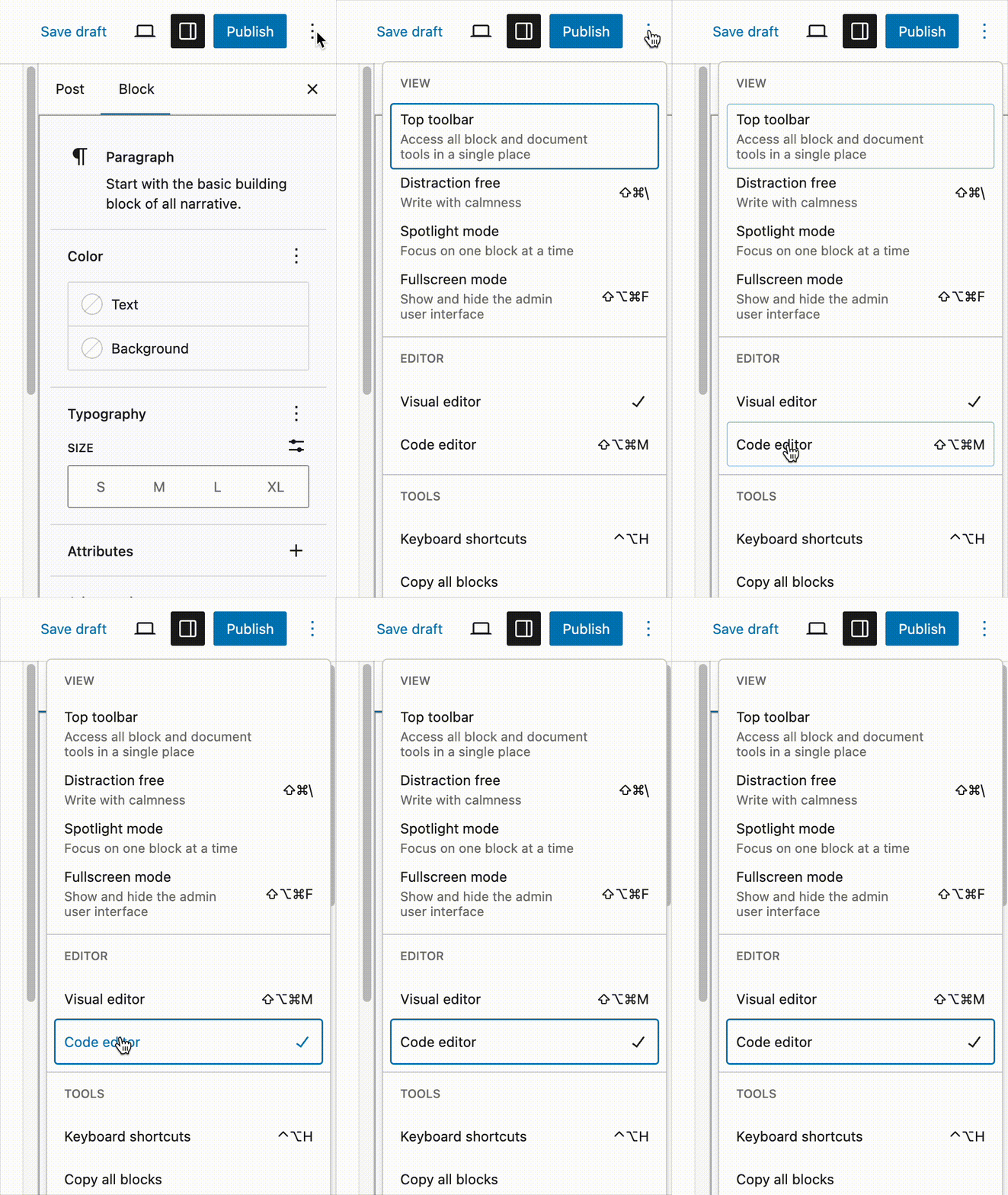
To add a soft hyphen in WordPress, open the Code editor by clicking the three dots in the upper right of the editing screen, and selecting Code editor. Your content will turn into code, but don’t be intimidated! Find the word you want to adjust, and insert ­ at the logical break point:
inter­disciplinary or basket­ball.
If you run into any issues using ­, or have any other questions, please reach out to Web Services any time.