
DubBot Plugin – Quick Start
What Is It?
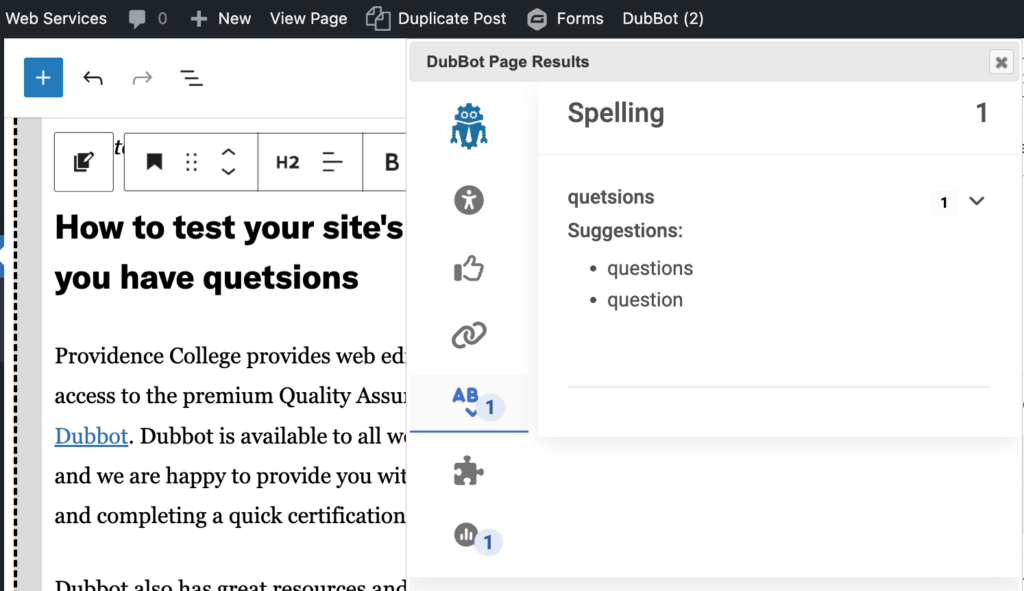
The DubBot plugin brings your page reports right into the WordPress editor. You can now see accessibility, SEO, spelling, links, and governance issues without leaving WordPress—alongside the content you’re working on.
It’s an extra convenience. You’ll still use the full DubBot dashboard for detailed reports, but this gives you a quick view of what needs attention as you edit.
Using It
When you edit or create a page, DubBot automatically shows results in the editor. You’ll see the same checks you’re familiar with from DubBot:
- Accessibility issues
- SEO recommendations
- Spelling & links
- Custom web governance rules
Spot something that needs fixing? Make the change right there the issues will update on the next page crawl.
Watch a brief video about how to use DubBot on the dashboard: